

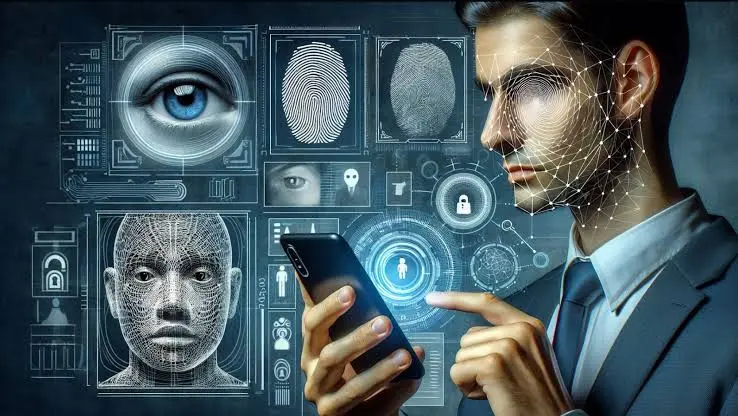
In today’s digital world, we all love to upload our photos on social media, especially Facebook. But did you know? A simple photo of you on Facebook can pose a big threat to you. Today we will tell you about such a serious truth about Facebook, after hearing which you will not upload photos to Facebook even by mistake. In the era of artificial intelligence, or AI, criminals are using these photos to create ‘deepfakes,’ or fake offensive videos. Especially, the photos of women and young girls are being targeted by the miscreants. These videos look so real that it becomes difficult to identify whether they are real or fake at first glance. So there is no need to panic; if you change some important settings of Facebook immediately, then you can protect yourself from this big threat. Let’s know what those settings are and how to stay safe.
1. Change the visibility of photos
First of all, go to your Facebook profile and check the Photos and Albums section. If any of your albums are in ‘public’ mode, then immediately change it to ‘friends’ or ‘only me.’ This will prevent strangers from seeing or downloading your photos.
2. Privacy Checkup
Facebook has a very great feature, which is called ‘Privacy Checkup.’ By going here, you can easily see who is seeing your posts and personal information. Here, limit the tagging and post visibility to friends only.
3. Profile and Tagging Review
Sometimes your friends tag you in their posts, and that photo is visible to the public. For this, go to Settings and turn on the ‘Review tags on your posts’ option. This will prevent anyone from showing the tagged photos on your profile without your permission.
Along with this, cyber experts have also given some other important advice:
Never publish photos of young children on social media.
Avoid sharing high-quality close-up photos of yourself.
Never accept friend requests from strangers.
Limit your data usage settings to prevent your photos from being used for AI model training.
What to do if you are a victim?
If in any situation you come to know that a fake deepfake video of you has been created, then do not panic at all. Report the video on that social media platform. Also, collect screenshots and links of that video and immediately file a complaint on cybercrime.gov.in, the official cybercrime portal of the Government of India. Remember, your little awareness can save you from this big threat. Change your Facebook privacy settings on your mobile today. Be aware while using social media; be vigilant against cybercrime.