
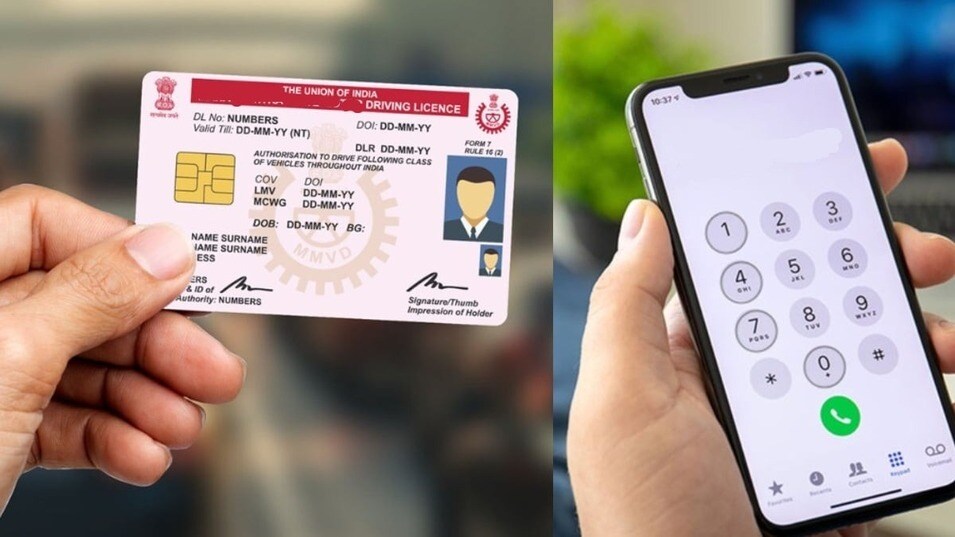
Has it ever happened to you that the traffic police stopped you and asked for your driving license and you suddenly remembered that you forgot to bring your license with you? In fact, in the era of online payments, people have reduced the habit of carrying wallets or purses with them, which is why sometimes you may not have important documents like your driving license in your wallet. In such a situation, a virtual driving license comes in handy.
You can easily store your license virtually on your phone with the help of two government apps, which are also completely legal. You can show the license stored in these government apps to the traffic police and other places. These apps include NextGen mParivahan and DigiLocker apps. Let us know about the steps by following which you can always store your virtual driving license on your phone.
What is a Virtual Driving License and how is it different from a regular DL?
You can understand a virtual driving license as a soft copy of your official driving license. It is equally valid as your original DL. Your regular DL is in the form of a plastic card or laminated paper that you have to carry around in your wallet, but a virtual DL is in a secure app on your smartphone. Since it is in the form of a soft copy on your phone, there is no fear of losing it. Another advantage of a virtual DL is that it comes with a QR code. Due to this, the traffic police do not have to check your license manually. The police can instantly check the authenticity and validity of your license by scanning the dynamic QR code on the DL with their device. According to the IT Act and the rules of the Ministry of Road Transport, both have the same legal status. After showing the virtual DL on the phone during checking, the police cannot issue a challan for not having your original card.
How to apply for a virtual driving license in the NextGen m Parivahan app?
- For this, first download and install the NextGen mParivahan app on your phone.
- Now create an account and register your mobile number to log in to the app.
- After that, you can log in to the app with the help of OTP.
- Now click on the Driving License option given on the homepage of the app.
- Type your correct Driving License number and your date of birth in the search bar.
- After filling the details, tap on the Search button. The details of your driving license will appear on the screen.
- Click on the Add to Dashboard or Create Virtual DL option given below the details.
- Submit the OTP received on the phone for security reasons.
- As soon as the verification is complete, your virtual DL will be generated and saved in the dashboard in the app.
After this, you can go to the dashboard section in the app even without internet and show this virtual DL and its QR code during checking.
How to save driving license in DigiLocker app?
- First download the DigiLocker app and install it on your phone.
- Now log in to the app with the help of your mobile number or Aadhaar card.
- Search by writing Ministry of Road Transport and Highways in the search bar and click on the first option.
- Select the Driving License option from the given options.
- Fill in your Driving License Number and your Date of Birth correctly.
- Now click on Get Document.
- Within a few seconds, your Driving License will be saved in the Issued Documents section of your DigiLocker. You can easily show the Driving License saved in this section to the police or other places even without internet.